What FlagUp does, what it does not do, and where each feature sits.
What is FlagUp?
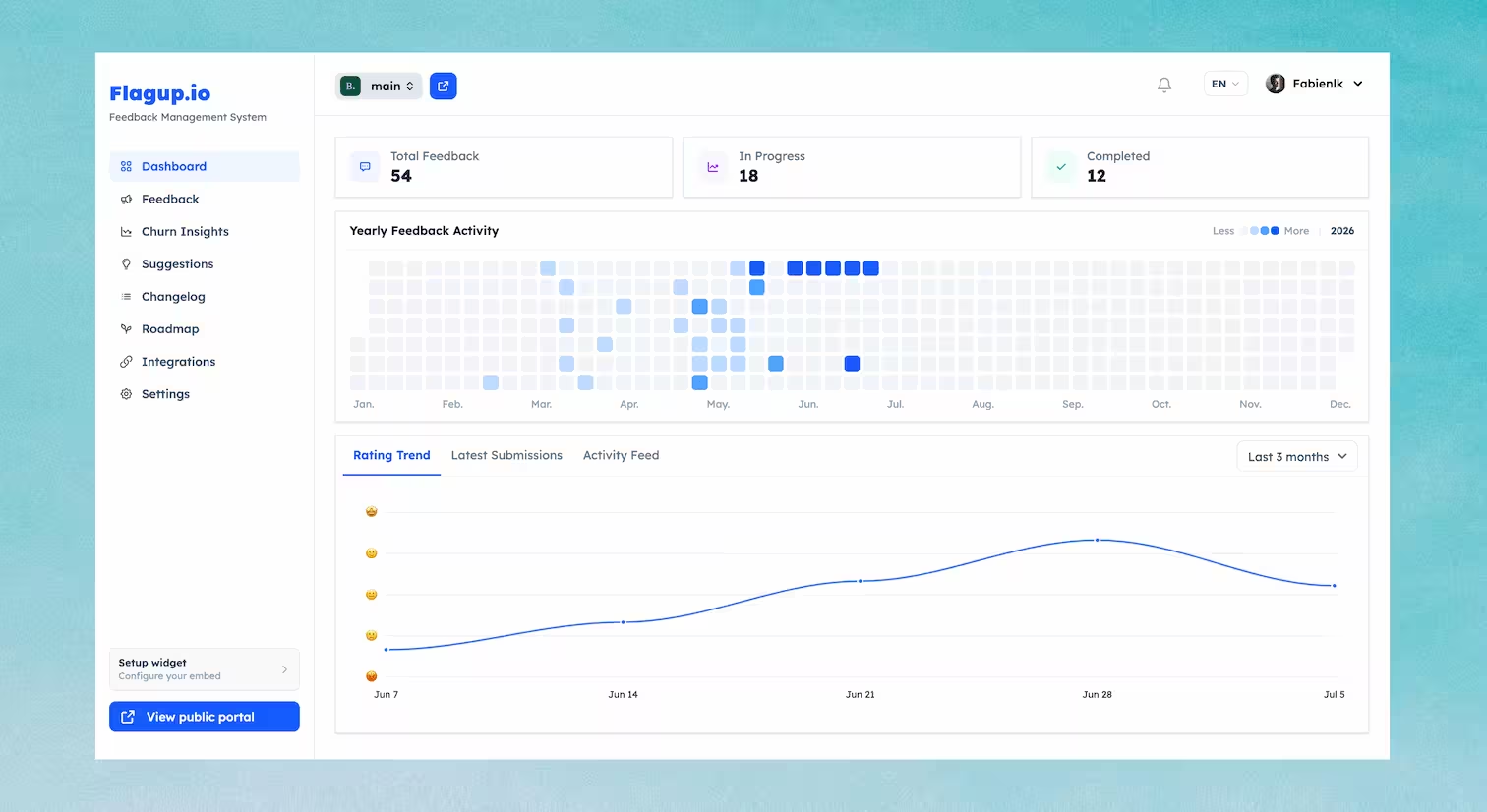
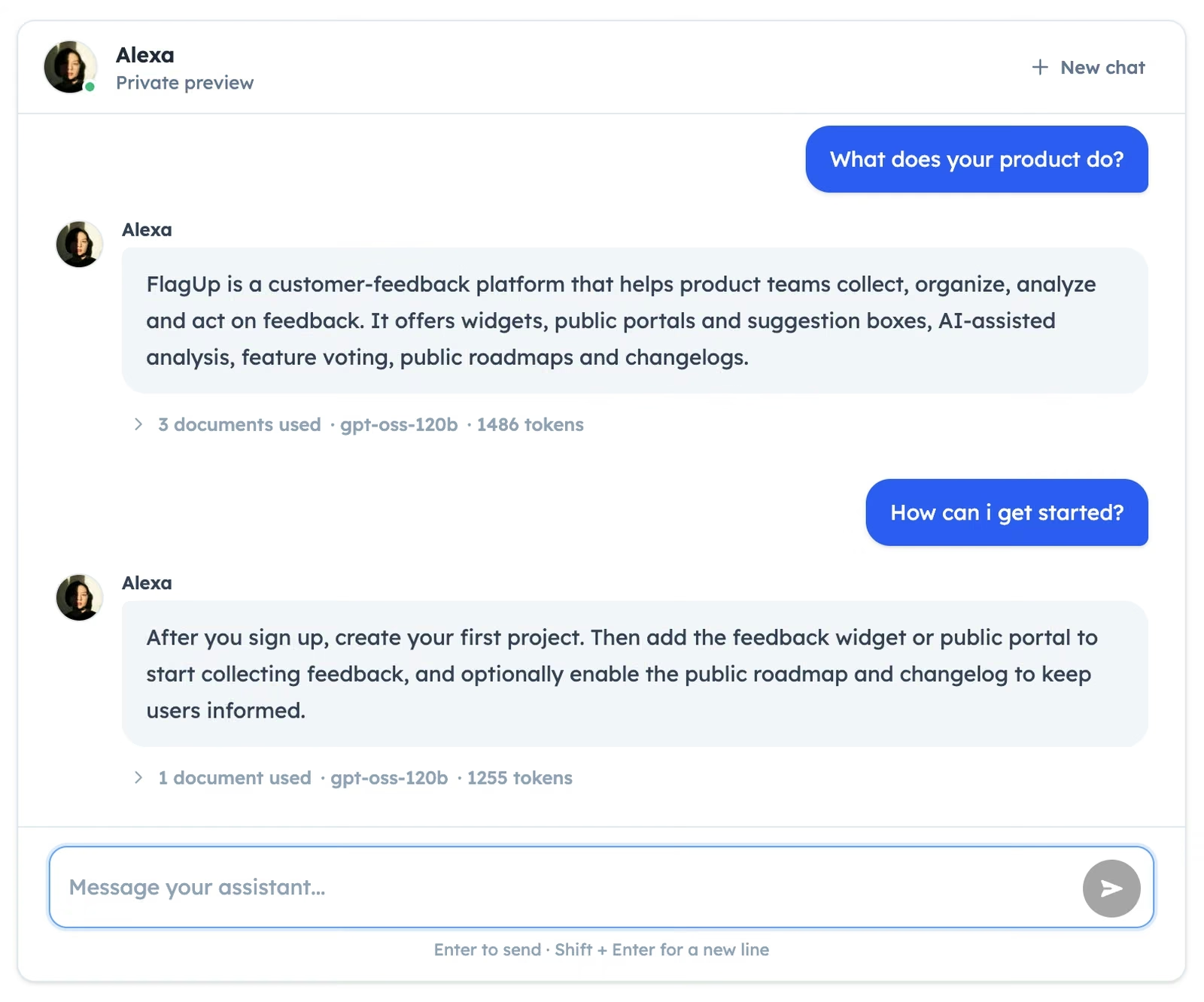
FlagUp is an AI customer support and feedback platform. Its AI Support Assistant answers customer questions from your own knowledge, and turns what it can't answer into a feedback item your team reviews, alongside a full feedback loop: voting, a public roadmap, and a changelog. Free to start, with the AI Support Assistant on the Pro plan and above.
What is an AI Support Assistant?
An AI Support Assistant is a chatbot that retrieves from a specific company's own knowledge, such as docs and product pages, at answer time, and answers customer questions directly on a website instead of sending them to a search bar or a ticket queue. FlagUp's assistant only answers from your project's knowledge base. If it isn't confident, it says so and offers to turn the question into a feedback item your team can review, rather than guessing.
Is the AI Support Assistant included in the free plan?
The AI Support Assistant is available on the Pro plan and above, with a monthly token allowance that increases on Business. The Free plan includes the feedback widget, suggestion boxes, voting, and a public roadmap, without the AI Support Assistant. Current prices are listed on the pricing page.
See the full AI Support Assistant FAQ, including sources and guardrails.
What is customer feedback management software?
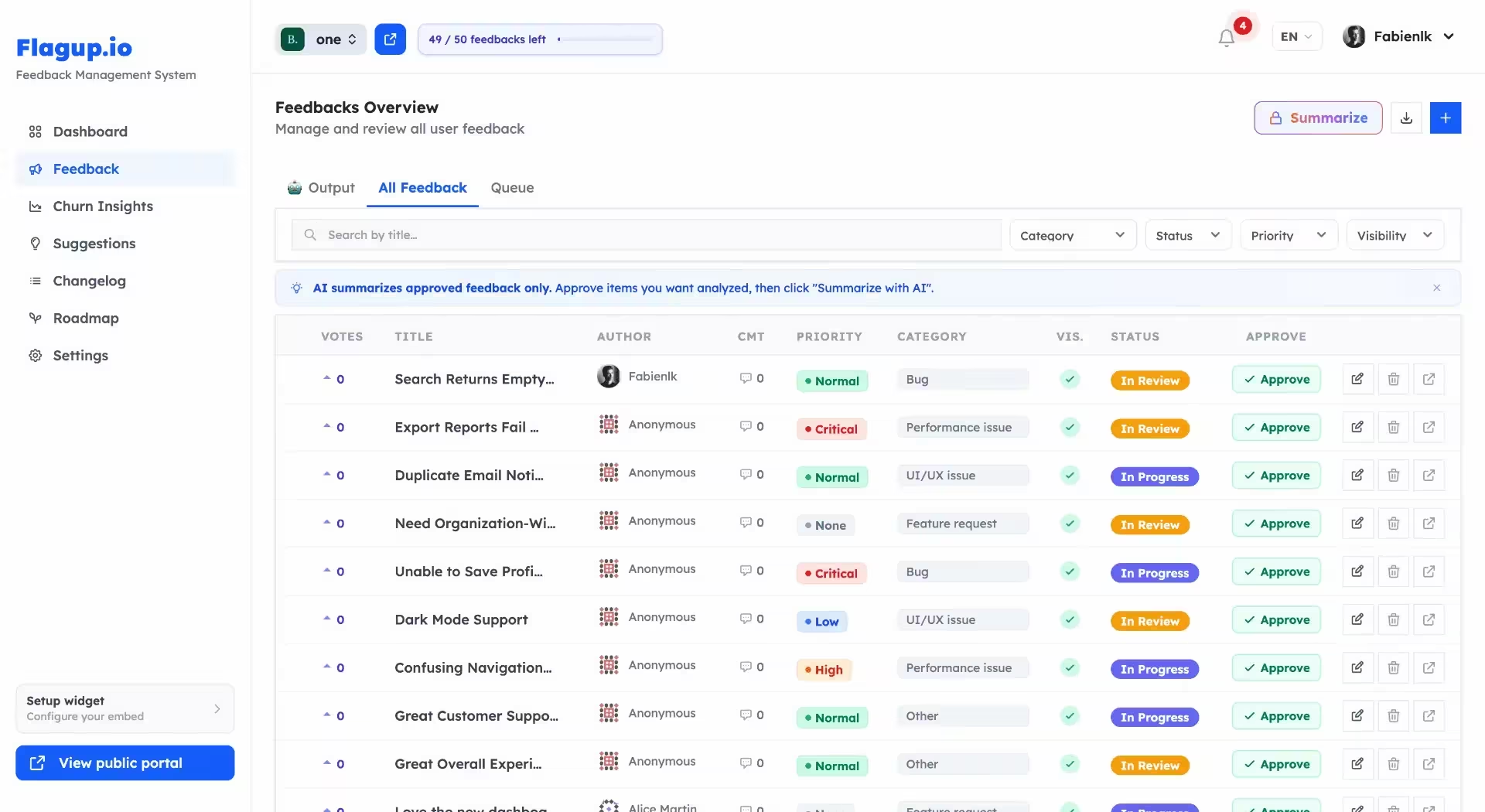
It is software that gives a team one place to collect, organize, analyze, and act on customer feedback. Rather than tracking feature requests, complaints, and ideas across email, chat, and spreadsheets, everything arrives in one inbox that can be categorized, prioritized, and published back to customers as a roadmap or changelog.
What types of feedback can I collect with FlagUp?
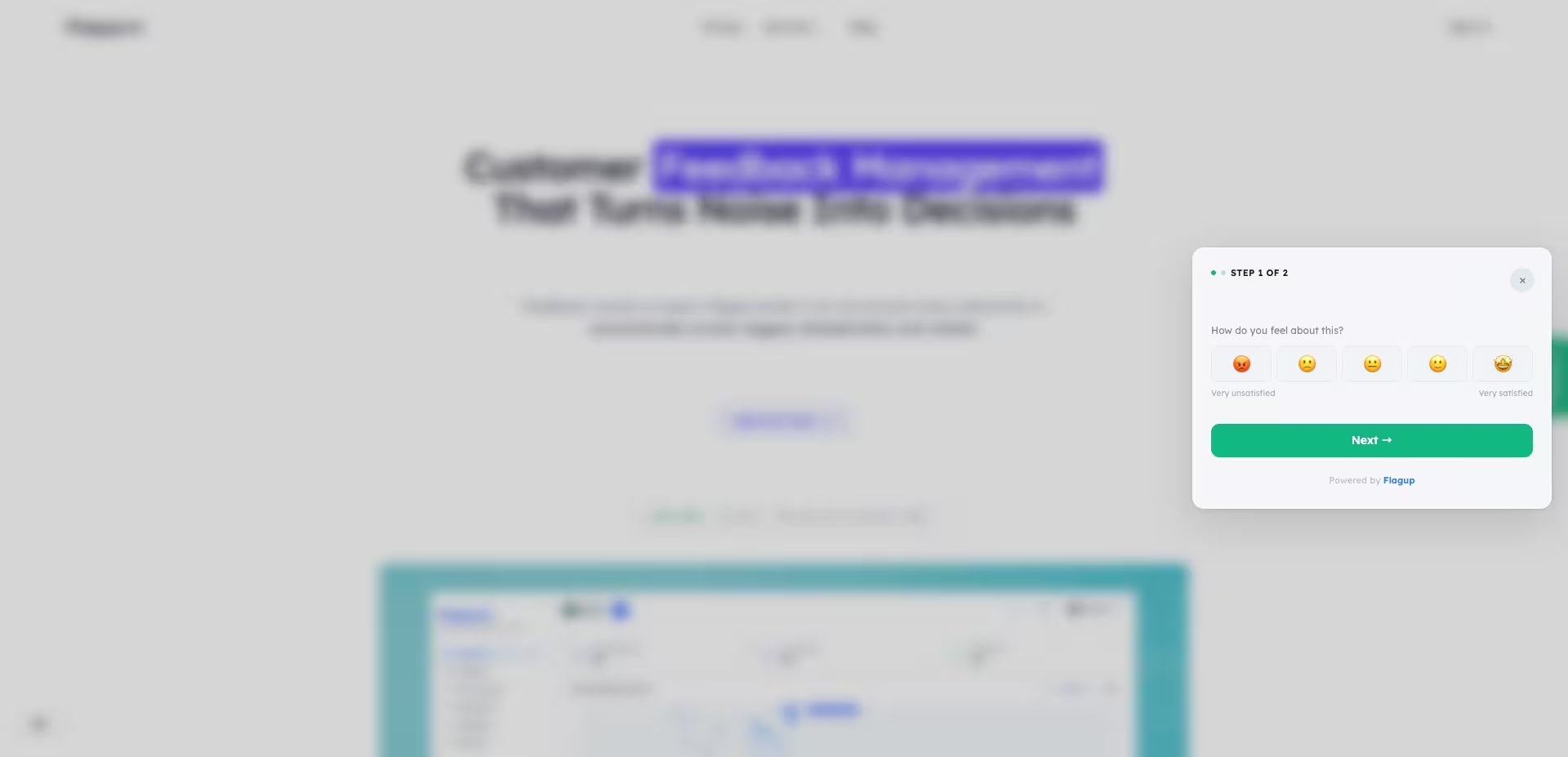
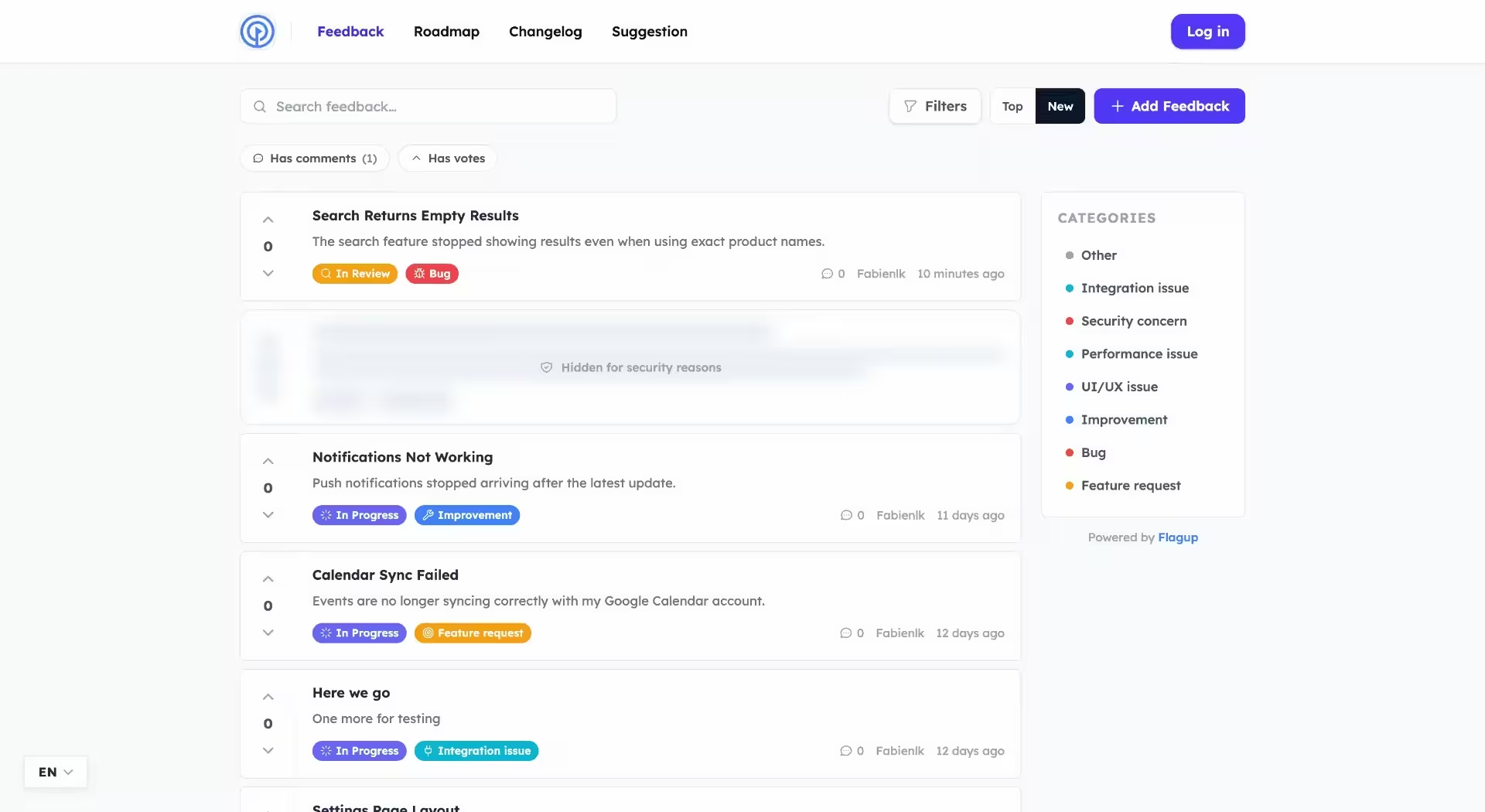
Feature requests, product feedback, bug reports, general comments, and anonymous suggestions. Customers reach FlagUp through three doors: the in-app widget, your public feedback portal, and a shareable suggestion box. You and your team can also add feedback directly from the dashboard.
How does FlagUp prioritize customer feedback?
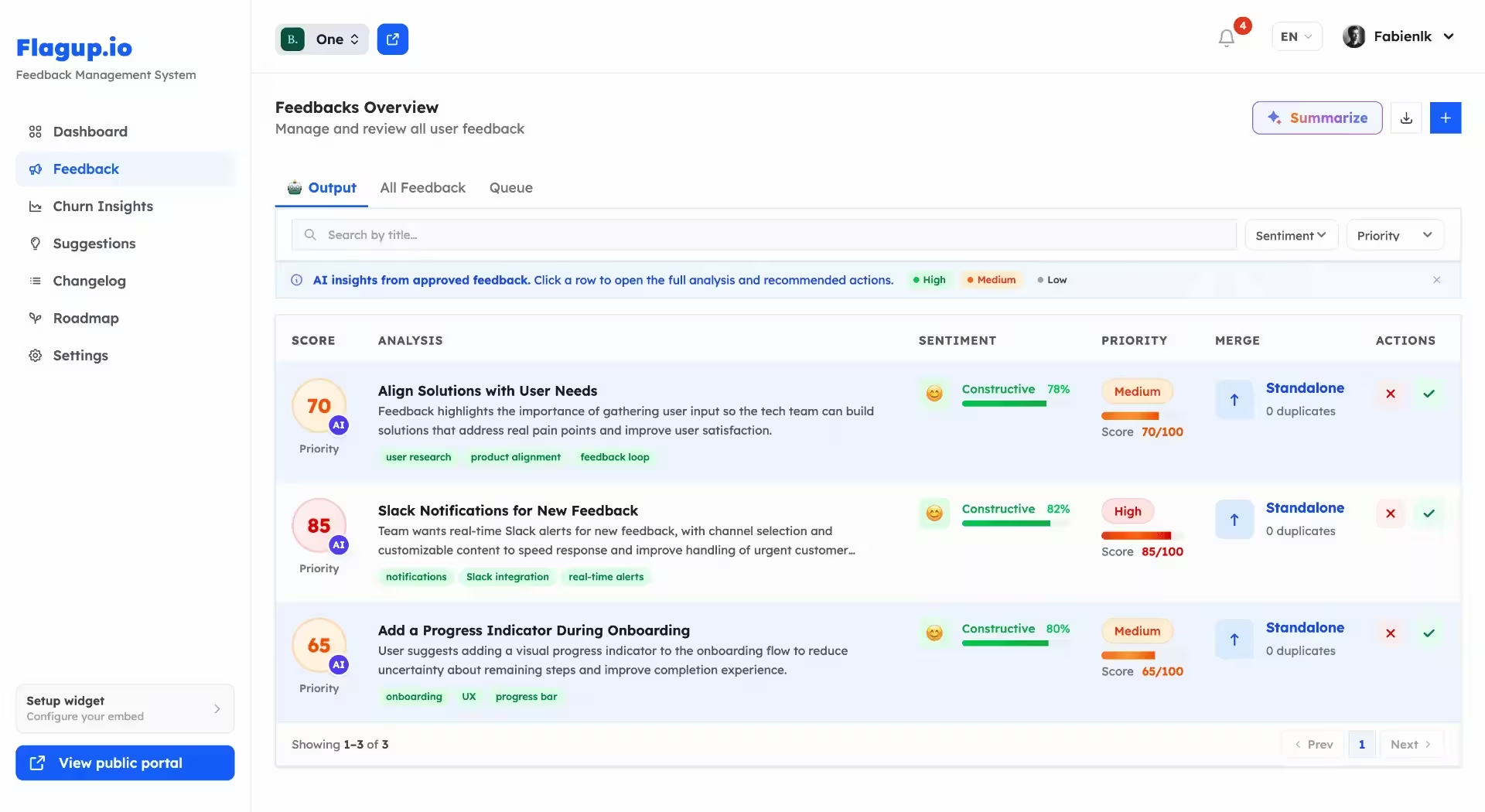
Votes are the first signal, and they work on every plan. On a paid plan you can run an AI pass over feedback you have approved, which adds a sentiment label, topic tags, likely-duplicate grouping, a priority score, and an urgency level. Those become a review queue. Your team still decides what to build.
Does FlagUp use AI to analyze feedback?
Yes, on the Pro and Business plans. The AI labels sentiment, detects topics, groups similar requests as likely duplicates, writes summaries, and scores priority and urgency. It runs when a project owner starts a pass, over feedback the owner has approved, so nothing is analyzed or acted on without a person in the loop first.
Is FlagUp free?
There is a free plan with one project, a public voting board, anonymous suggestion boxes, and a read-only public roadmap and changelog. No credit card is needed. AI analysis, retention risk signals, and integrations are on the paid plans. Current prices are listed on the pricing page.
How is FlagUp different from Canny, Upvoty, or Featurebase?
FlagUp covers the same ground: a feedback inbox, a voting board, a public roadmap, and a changelog. What it adds is anonymous suggestion boxes as a first-class way in, and retention risk signals built from sentiment and inactivity. It is aimed at smaller teams that want the loop running quickly rather than a configurable product-operations suite. The comparison hub has the feature-by-feature detail.
Still have questions? [email protected]